HiveWatcher alerts: by email, text message or straight into your own system
When pollination or a colony falls far below normal, you want to know straight away. HiveWatcher now sends alerts by email, by text message, or to your own software, and you decide who gets what.
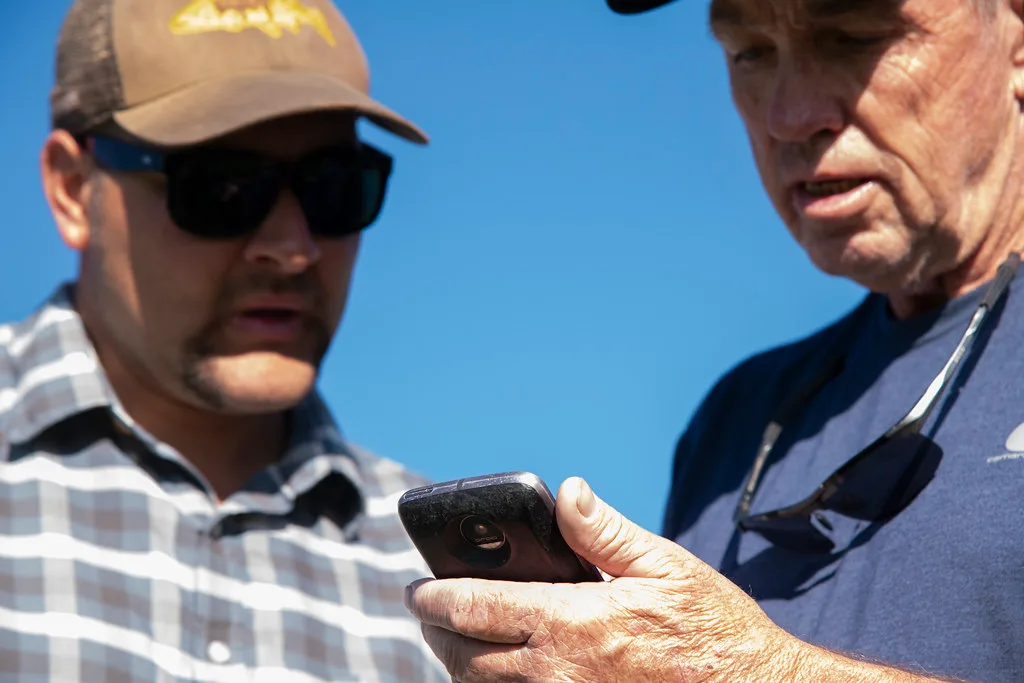
An alert only helps if it reaches the right person at the right moment. The crop manager wants to hear about a weak hive, the grower wants to know about heat at a hive, and the night shift only needs the critical alerts. That is why we have expanded the alert channels in HiveWatcher.
Three ways to receive alerts
- Email, to one or more addresses.
- Text message, with HiveWatcher as the sender, through Dutch SMS providers. You can type numbers with or without spaces.
- Your own system. HiveWatcher can call a web address of your choice when an alert opens or closes. That lets you feed alerts into your own dashboard, a chat channel or another system you already use in the greenhouse. You choose what the message looks like.
You decide who gets what
Per channel you set:
- from which severity it is notified, or only for critical alerts;
- which part of the company it covers, for example one greenhouse or one location;
- which types of alerts it receives, such as low pollination, low hive activity, heat at a hive or a node that stops sending;
- the language of the messages;
- whether it also hears when an alert is resolved.
With the Test button you check straight away that the message arrives.
Reports on their own tab
The daily and weekly reports by email now have their own place in the settings, separate from the alerts. So an alert stays an alert, and the report arrives at a fixed time.
Want to see how this works in your greenhouse? Request a pilot on our website.